 vBrowser
Docs
vBrowser
Docs
Sound
Sound and audio settings.
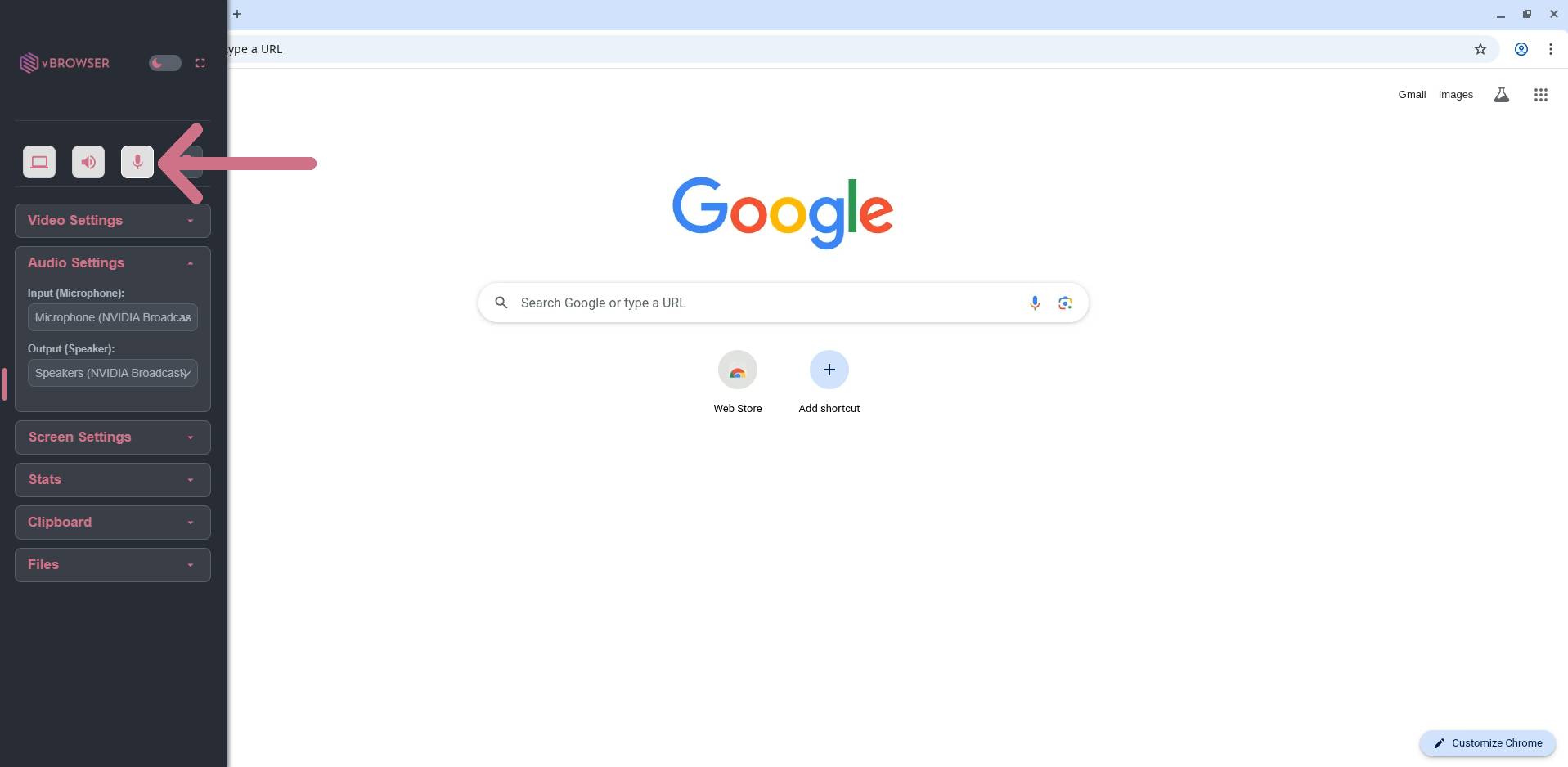
Microphone
- Click to open the left side menu.
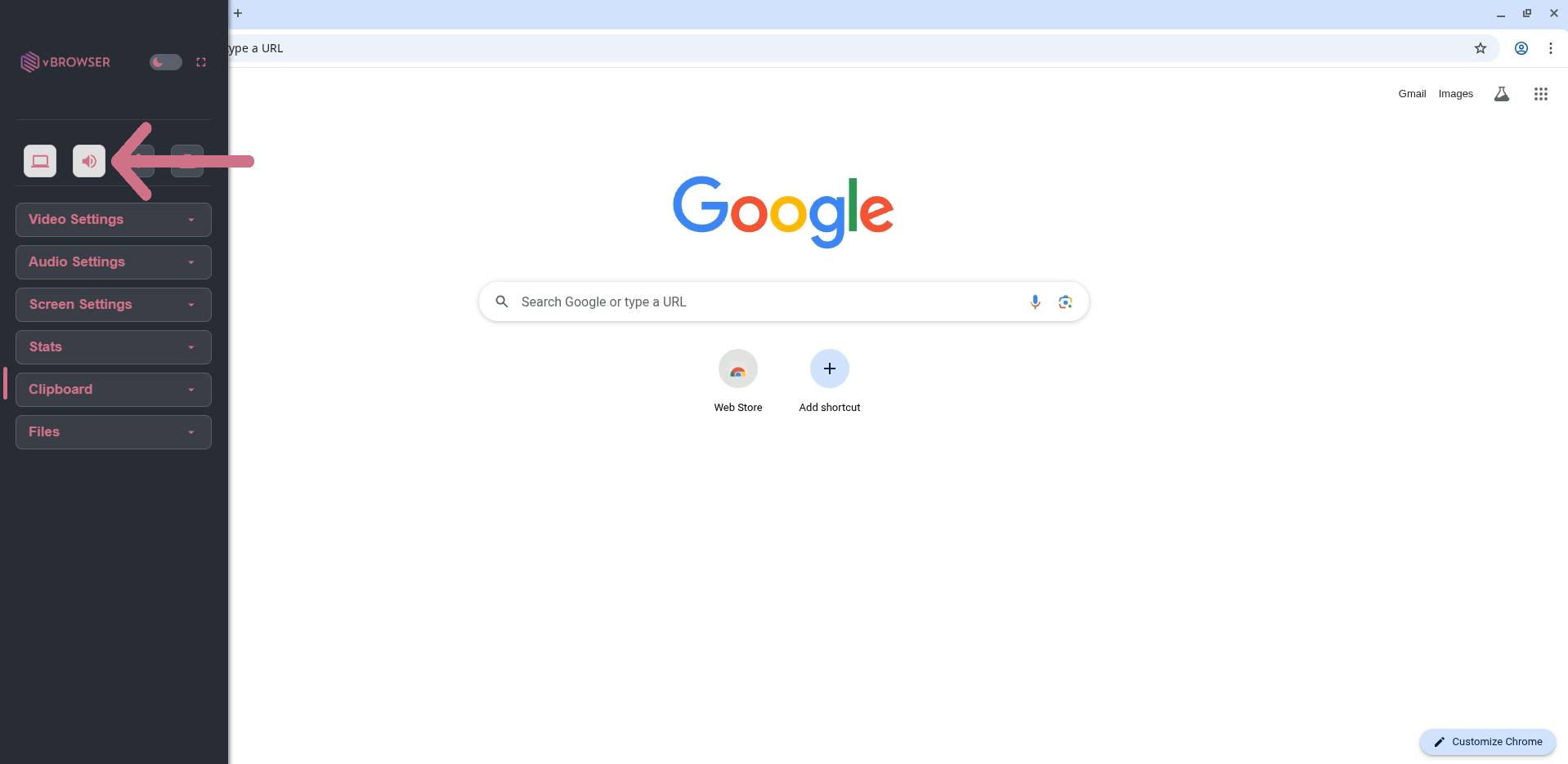
- Click the "Audio Settings" section on the sidebar.
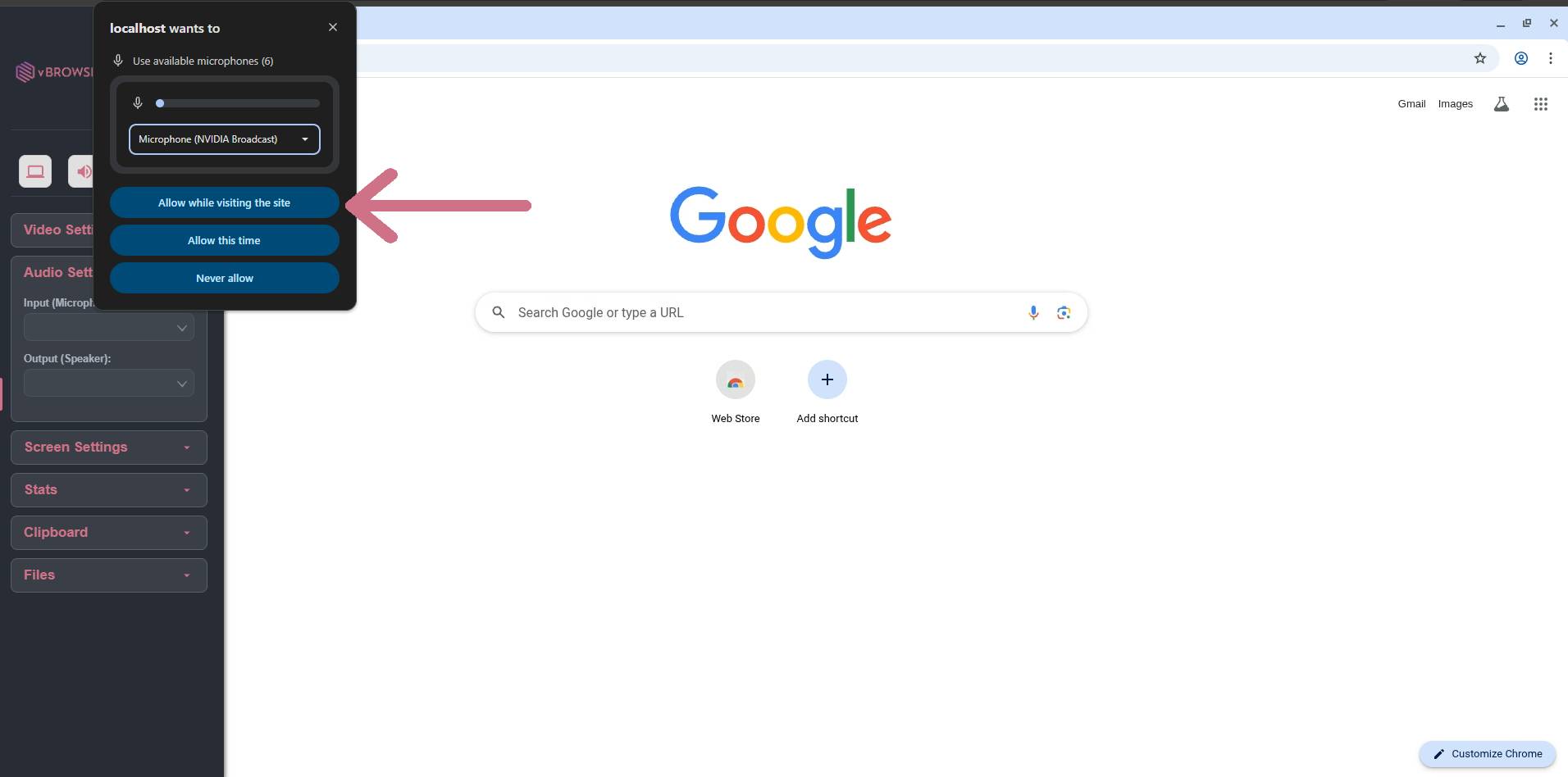
- Allow microphone permissions if requested by your browser.
- Your microphone can now be passed through, into the session.
Audio (output)
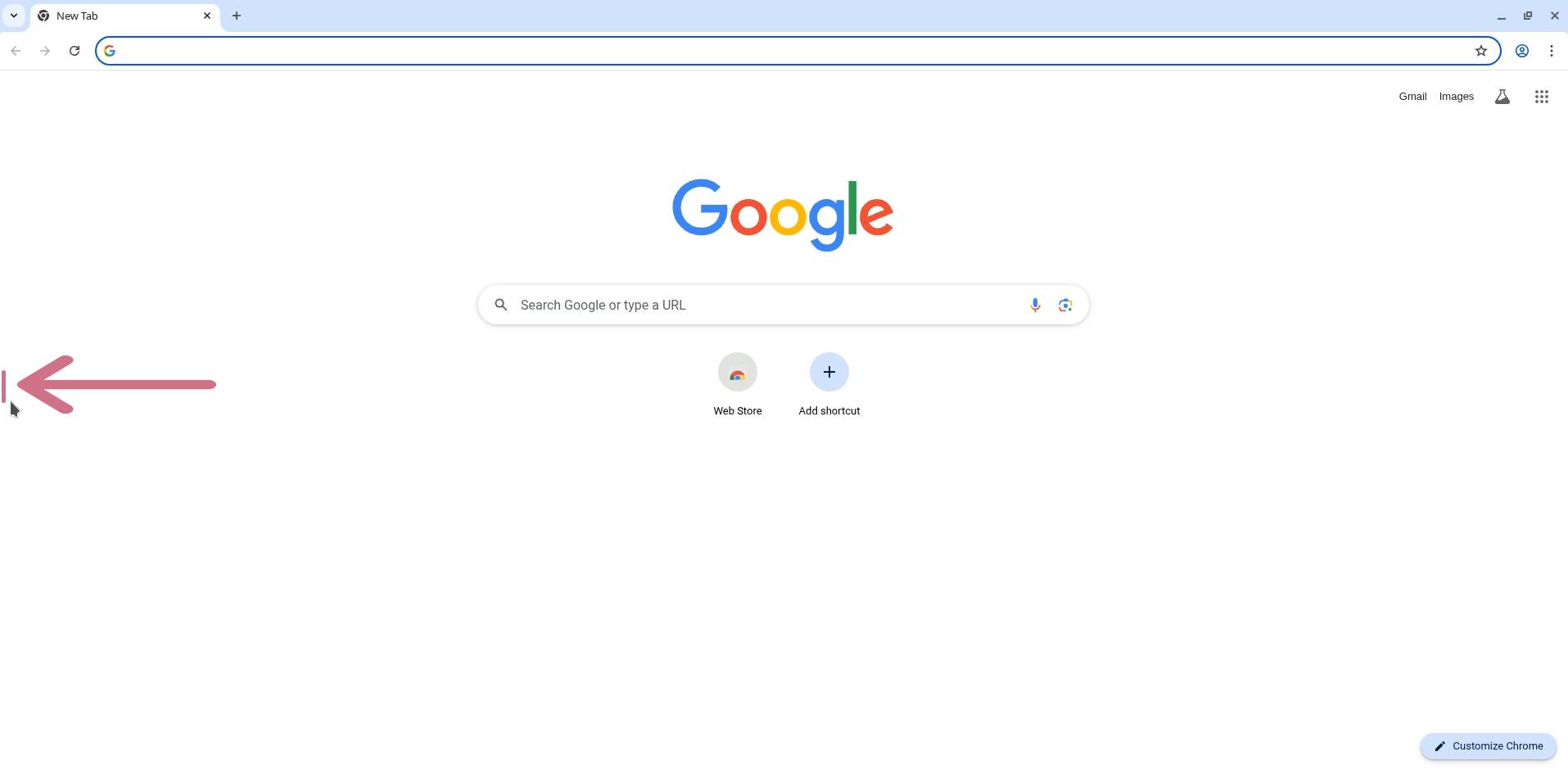
- Click to open the left side menu.
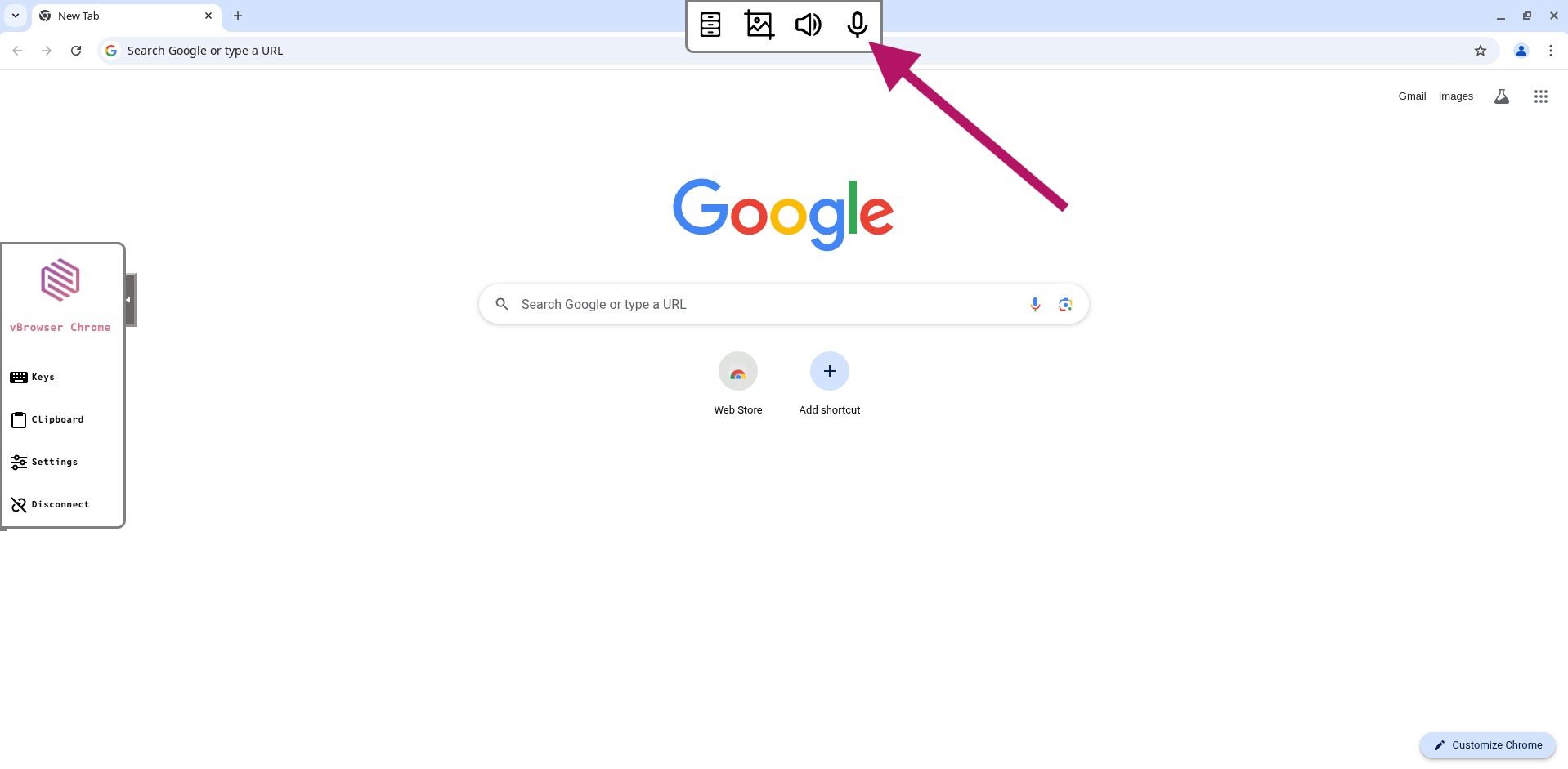
- Click the "Speaker" icon.
- Allow audio permissions if requested by your browser.
- You should now be able to hear any audio output from your session.
This setting is enabled by default.