 vBrowser
Docs
vBrowser
Docs
Clipboard
Clipboard copy/paste settings.
Copy
- Copy some content from inside the session.
- Now you can paste the copied content to your device, as the content has been passed to your clipboard.
You may be required to utilize the clipboard text box to perform copy operations. Refer to details below.
Paste
- Copy some external content that you want to paste inside the session.
- Go to your active session.
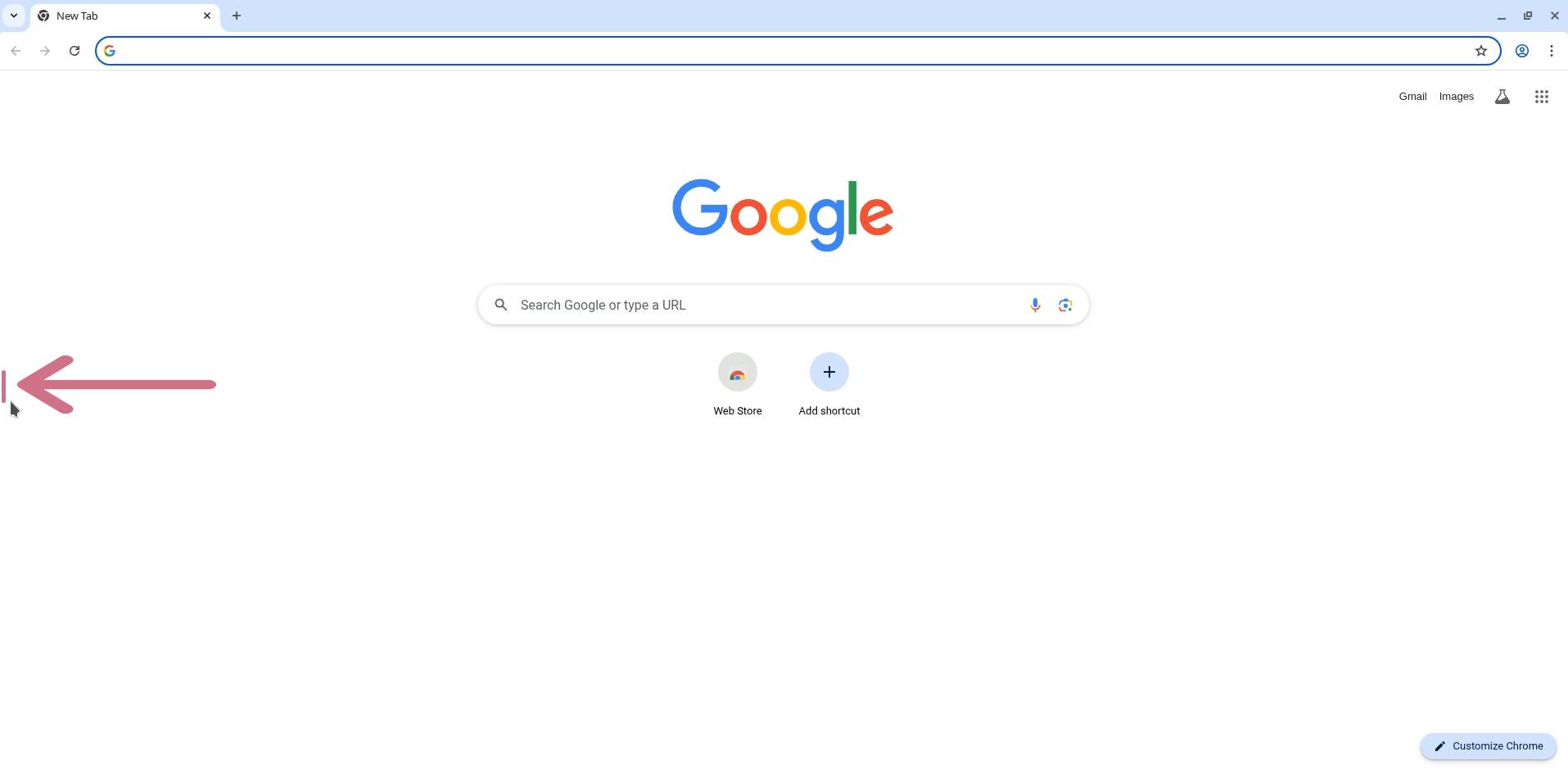
- Click to open the left side menu.
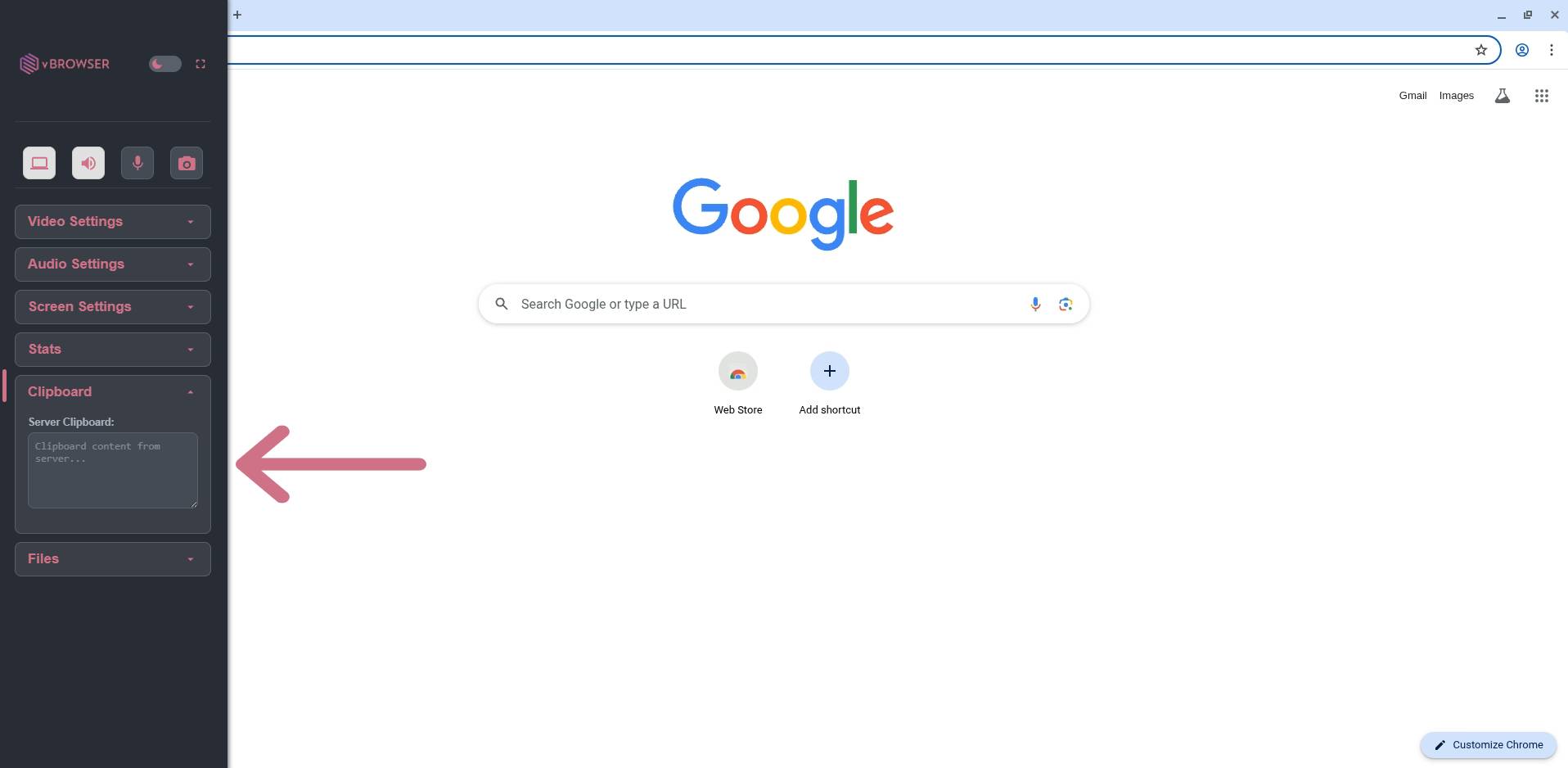
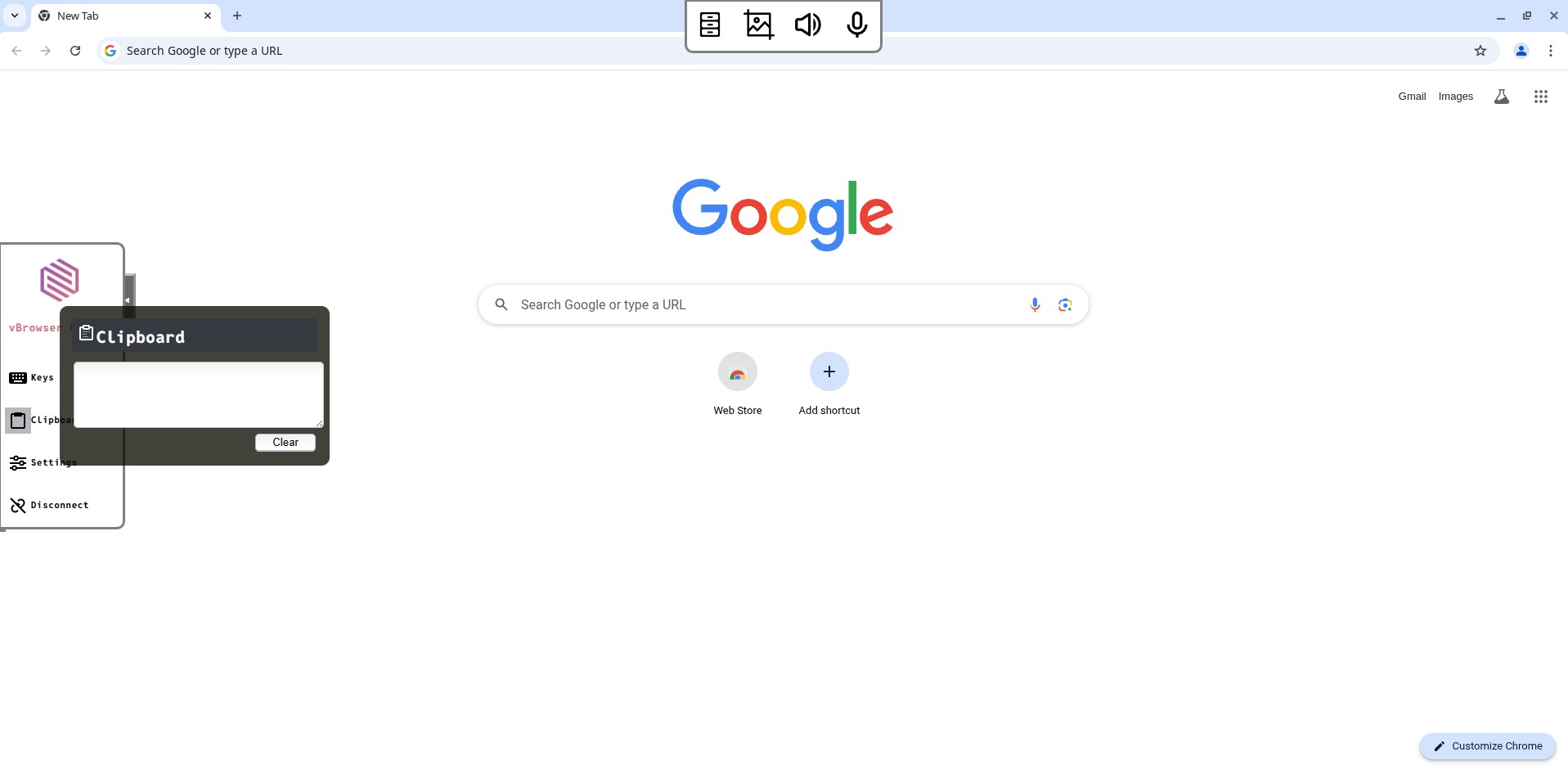
- Click the "Clipboard" option.
- A text box should open to type in.
- Paste your content inside the text box, so it can be copied to the sessions clipboard.
- Now you can paste inside the session, as the content has been passed to the clipboard.